I have USB-C or DC power.
Your equipment provides a regulated supply. You need an Android interface without an internal battery.
Explore equipment-powered tablets ↓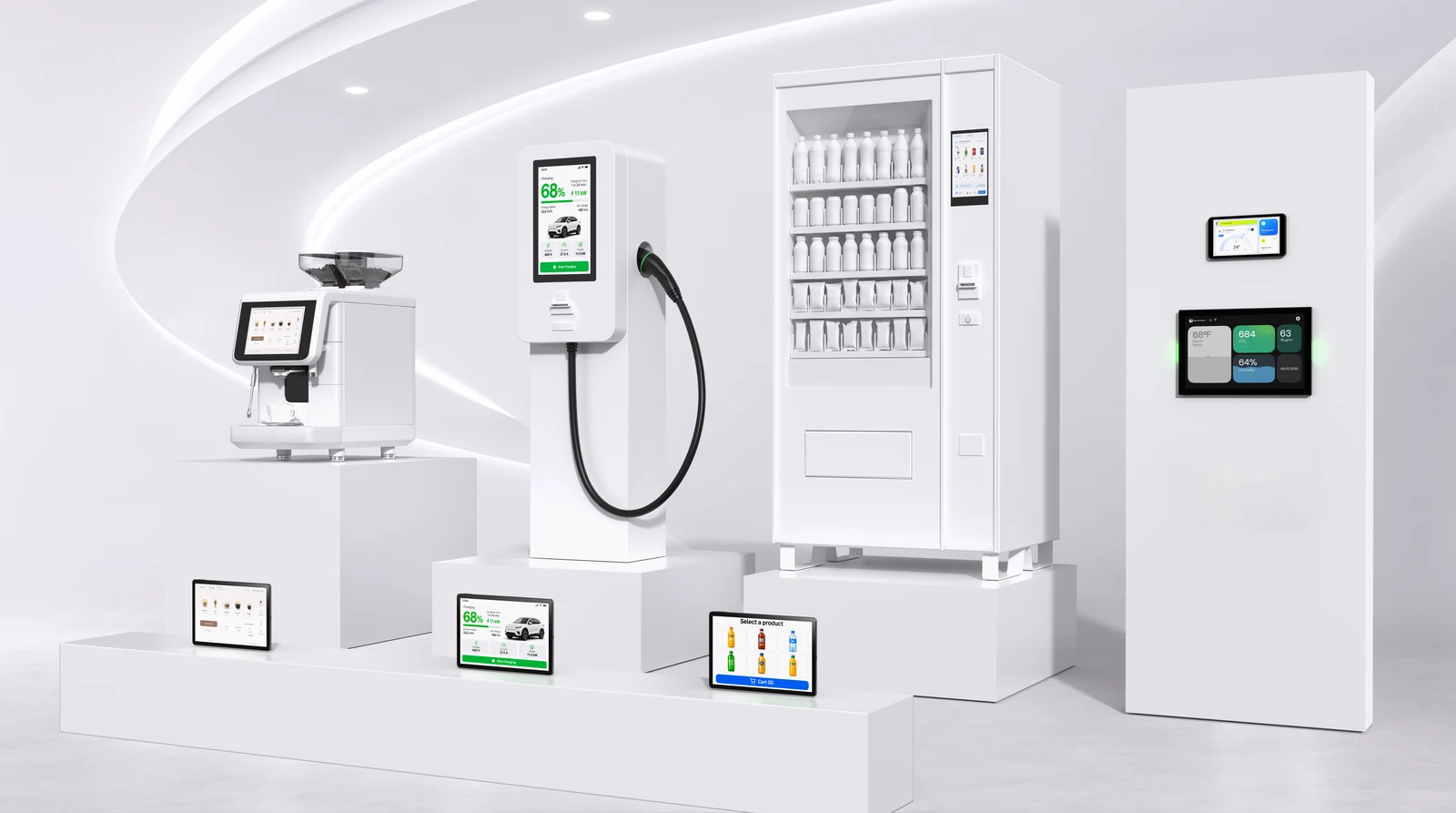
Pretech / Embedded Android / ODM Integration
Battery-free Android tablets for equipment ODMs and system integrators. Integrate an externally powered touchscreen into your machines and self-service equipment.
Samples available. Contact us for sample pricing and lead time.
USB-C / DC and PoE configurations · Hardware & OS customization
01 / Choose the connection
“Embedded” describes the installation. The available power and connected devices determine which platform to evaluate.
Your equipment provides a regulated supply. You need an Android interface without an internal battery.
Explore equipment-powered tablets ↓Specify a separate host or data connection for a scanner, controller or other peripheral, alongside the power input.
Explore the dual-USB platform ↓A compatible PoE switch provides power and wired networking over one Ethernet cable. Controller wiring is reviewed separately.
Explore PoE control panels ↓These needs can overlap. “Dual-interface” must specify the actual connector functions; it does not automatically mean two interchangeable power or data ports.
02 / Compare platforms
Choose a display size and connection path. We then review the power specification, mechanical drawing and firmware for your project.
Solution 01 / USB-C or DC power
External power through USB-C or DC, depending on the model. Peripheral and controller connections use the selected interfaces.
10.1″ to 12″ · Battery-free
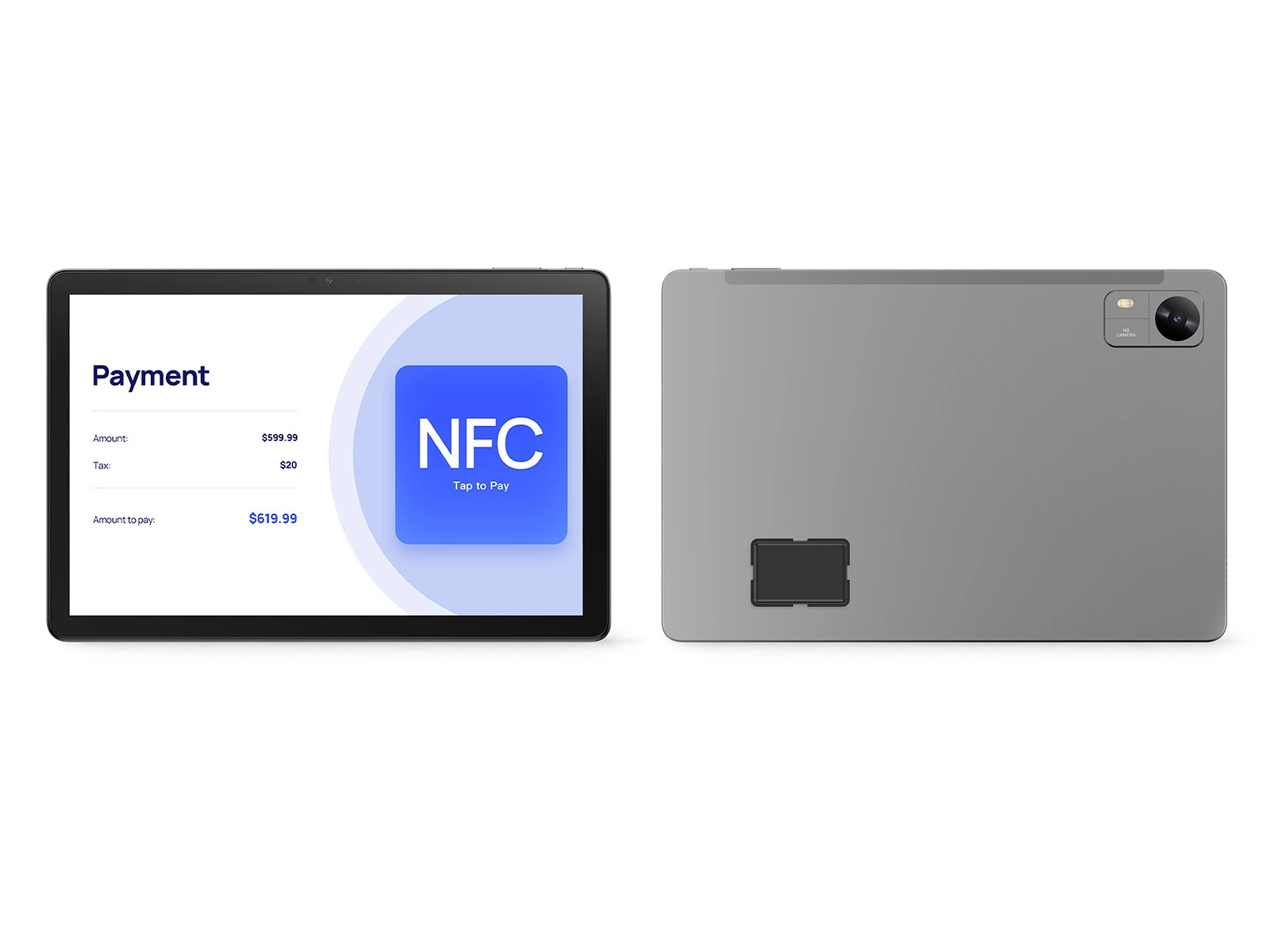
Equipment power + USB peripheral
Model: BF1008
Dual USB-C connections separate external power and data from the USB host connection for peripherals.
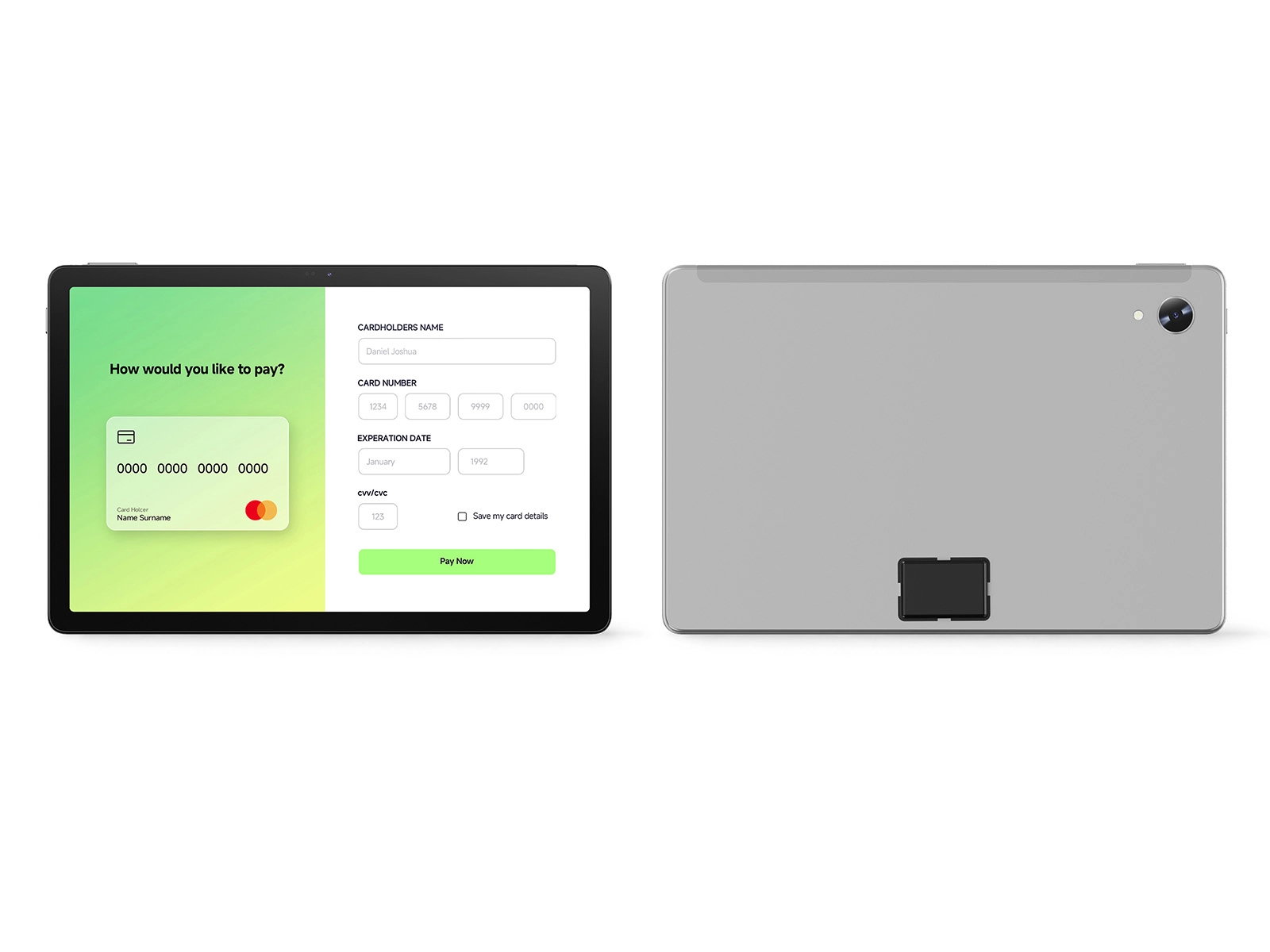
Larger equipment interface
Model: BF1108
A Full HD embedded interface with USB-C power or a rear external power connection.
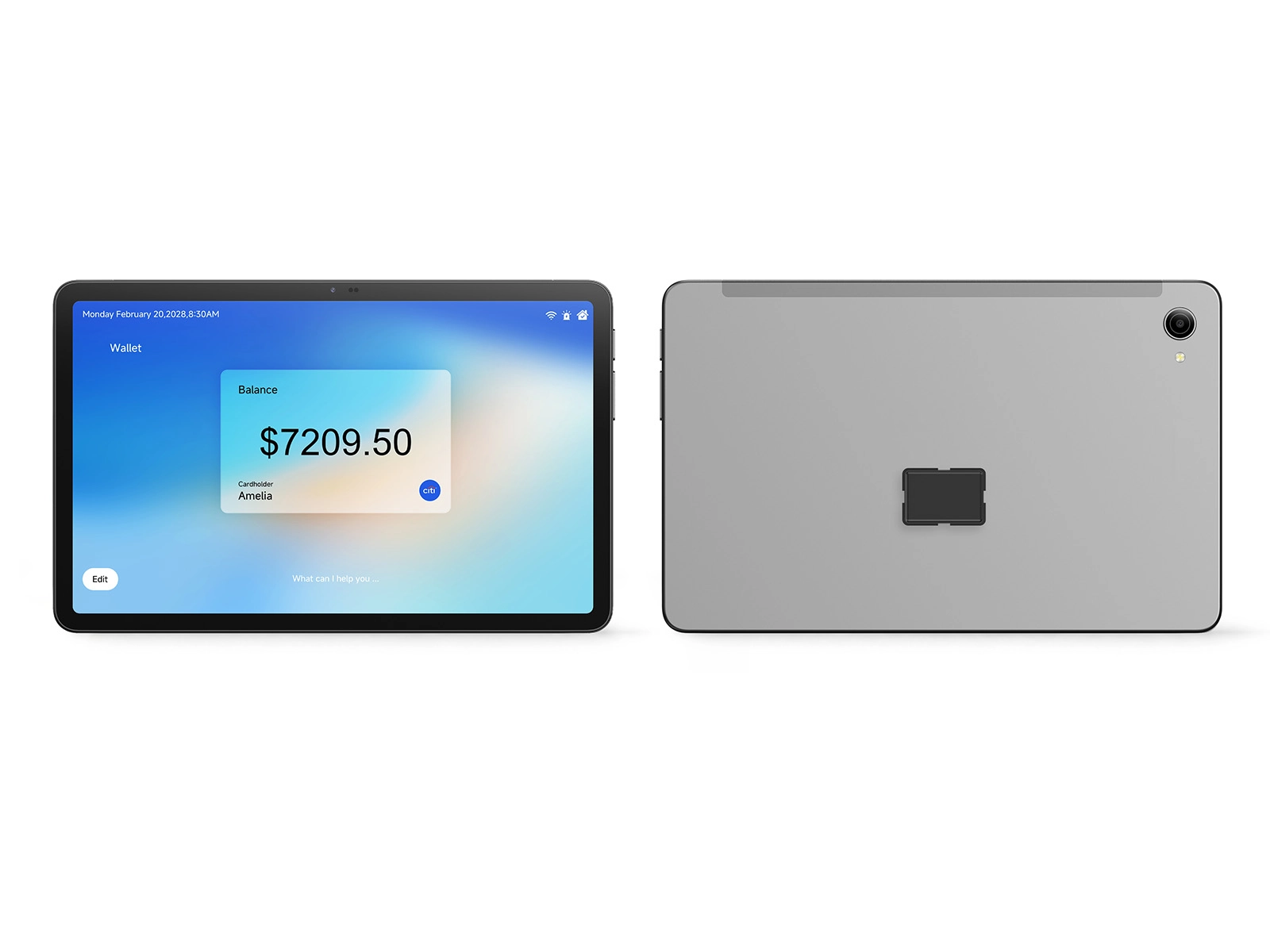
More space for your interface
Model: BF1208
A 12-inch-class embedded interface with USB-C or DC power and support for normal Android shutdown when external power is cut.
Solution 02 / PoE power + Ethernet
Power and Ethernet data through a single PoE network cable. Controller interfaces are separate from the PoE connection.
5.5″ and 10.1″ · Battery-free
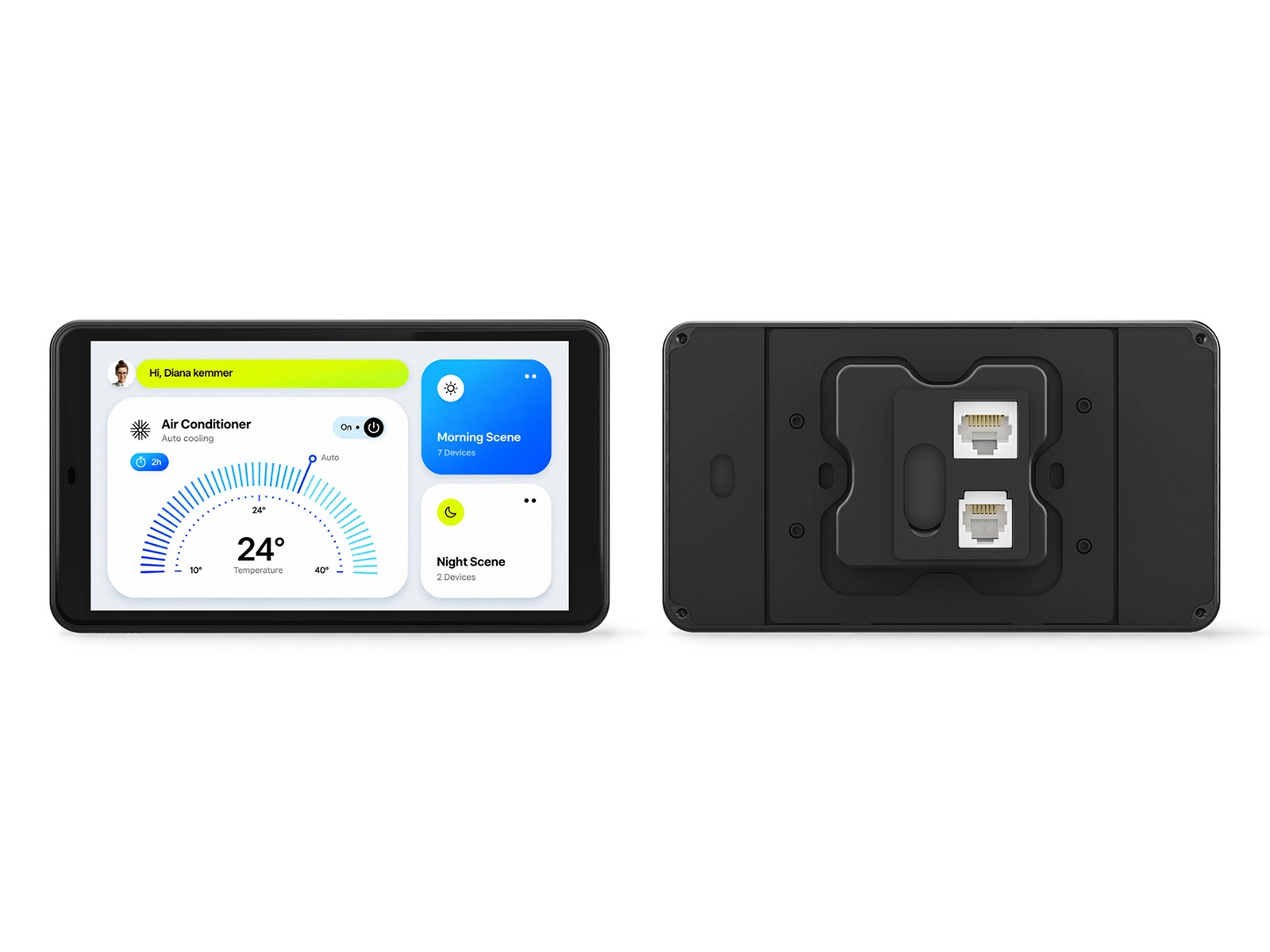
Compact control interface
Model: WP30
A compact PoE panel with Ethernet, RS485 and USB-C.
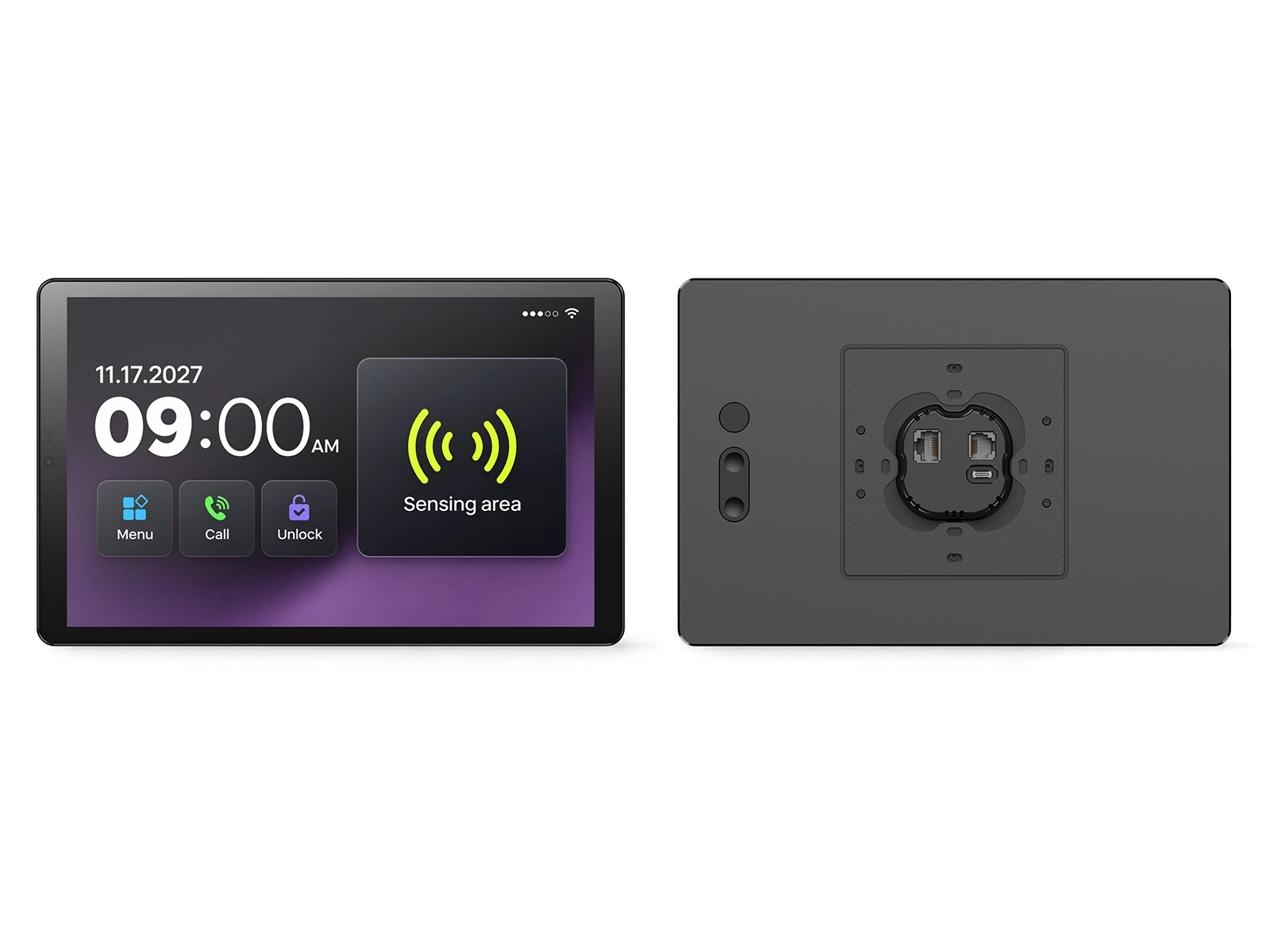
Wired control and network
Model: WP103
A Full HD PoE panel with RS485, USB-C and magnetic fixing.
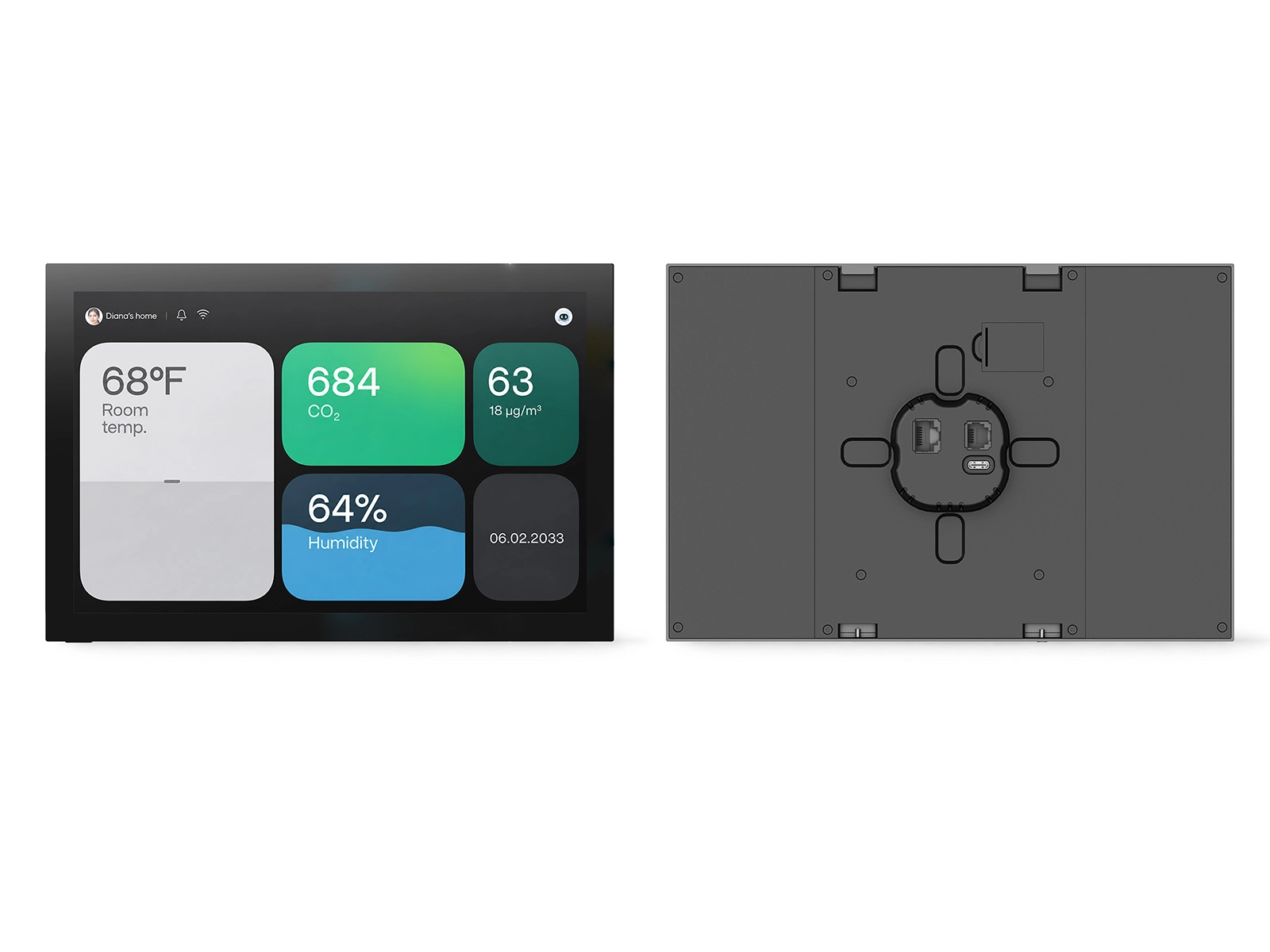
PoE with optional cellular connectivity
Model: WP106
A PoE platform with RS485 and optional cellular and sensing modules.
Connection overview only. Confirm electrical ratings, pinout and protocol for the selected build. External power is required. PoE does not provide backup power; BF1008, BF1108 and BF1208 support normal Android shutdown when external power is cut.
03 / Applications
Typical integration concepts for equipment ODMs and system integrators. Images illustrate applications, not verified customer deployments.

10.1″ Dual-USB Android HMI
Model: BF1008
Power the approved battery-free build through USB-C while keeping a supported scanner or peripheral on the separate USB host connection. Your application manages the customer workflow.
USB-C supply → Android HMI ↔ USB peripheral
Discuss this integration ↗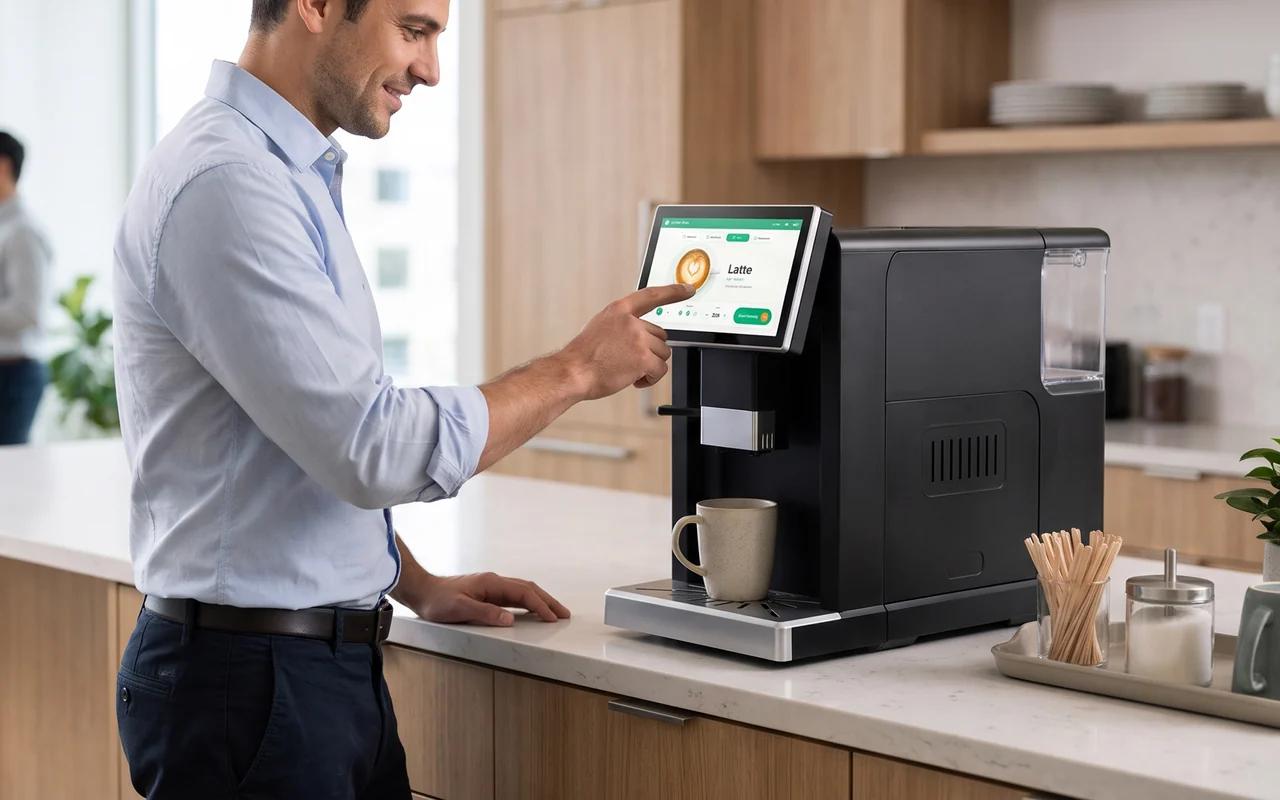
11″ Full HD Android HMI
Model: BF1108
Use the approved DC-input build as the machine’s touchscreen interface. Connect to the machine controller through a project-defined adapter and protocol.
Regulated DC → Android HMI ↔ Machine controller
Discuss this integration ↗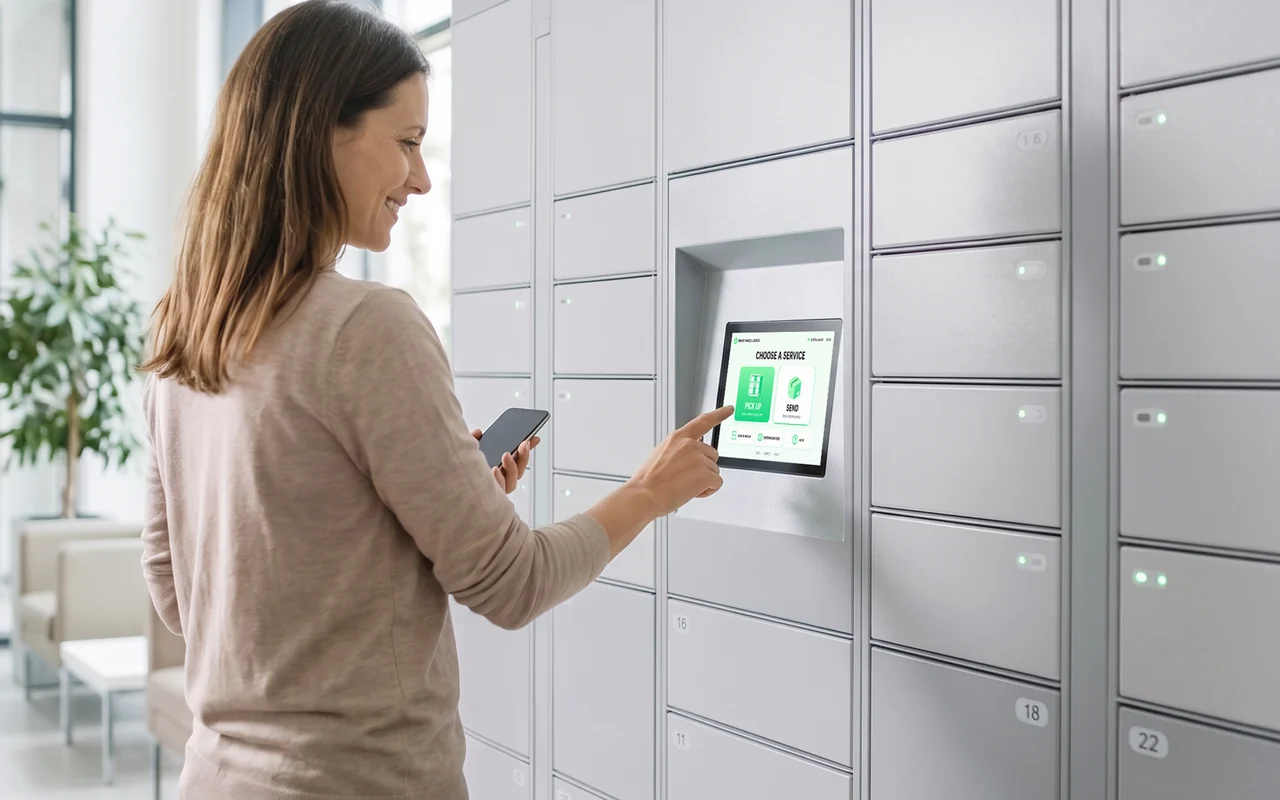
10.1″ PoE Android Control Panel
Model: WP103
Use PoE to supply power and Ethernet to the panel. Connect to a separate locker controller through a project-validated RS485 interface.
PoE switch → Android panel ↔ Locker controller → Locks
Discuss this integration ↗
10.1″ PoE Android Control Panel
Model: WP106
The 10.1-inch PoE Android panel provides a fixed room interface with power and Ethernet through one network cable. An optional RGB LED strip provides a visible status indicator; your application defines the room booking or control workflow.
PoE switch → Android panel ↔ Room application
Discuss this integration ↗04 / OEM & ODM integration
Pretech supports hardware and Android system integration around your equipment. Your application team or software partner defines the user experience and business workflow.
Discuss your project ↗Share the screen size, cutout, rear depth, fixing points and cable clearance. Review housing or open-frame changes where needed.
Confirm input voltage, peripheral power budget, connector functions and controller protocol, together with required modules and target market.
Evaluate the battery-free build, power-on boot, app auto-launch, power cycles, networking and connected devices.
Agree on the final specification, applicable certification scope, MOQ, pilot quantity, lead time and production acceptance criteria.
05 / FAQ
Yes. A battery-free design operates from a specified external power source. Removing a battery from an ordinary consumer tablet is not a substitute for validating a battery-free platform.
Start with your installation. Use an approved USB-C or DC supply if the equipment provides power. If a peripheral must remain connected while the screen is powered, specify the required separate data connection. Choose PoE when you need power and Ethernet over one cable. The exact connector functions depend on the selected build.
Yes. The BF1008, BF1108 and BF1208 platforms support embedded installation. The PoE panels use their specified mounting structures. Share your enclosure drawing, available depth and cable routing so the mechanical integration can be defined for your equipment.
These battery-free platforms use external power. Specify whether your equipment requires automatic startup, app launch and recovery after a power interruption; these functions form part of the agreed firmware and integration scope.
Battery-free operation and PoE do not provide sustained backup power. BF1008, BF1108 and BF1208 support automatic power-on/power-off and system protection to help preserve data integrity. For continued operation during an outage, the equipment requires a suitable external backup power system.
RS485 is an electrical interface. Confirm the protocol, wiring, pinout, baud rate and driver requirements. UART, RS232 and RS485 are different interfaces and may need conversion hardware.
Project scope can include hardware, enclosure, power inputs, I/O and Android system or driver configuration. Your team or software partner provides the application and business workflow. Modules, Android versions and certifications depend on the final build.
Yes. Samples are available for product evaluation. Contact us with your preferred model and configuration for sample pricing and lead time.
Please send your application, preferred model or display size, power source, required interfaces, installation drawing or available space, expected quantity, target market and project timeline. Include your Android version, application and peripheral requirements so we can propose the hardware configuration and quotation.